
Sound familiar?
A fair deal
You are buying an appliance, not a subscription
Software is written fast and keeps getting cheaper, while the panel at the door, the lock and the server still have to be bought. So we charge for the hardware and hand the software over with it — for good, with no subscription. In exchange we drop everything that requires our constant involvement: integrations, custom development and bundled support.
What you get
- The hardware becomes yours, with the software already installed
- A perpetual licence — it lives on this hardware
- The Merusoft room calendar; notifications are sent through your own SMTP server, which you specify during setup
- Zero mandatory payments after launch
- Operation on the local network — the internet is only needed for the website widget
- Free fixes for critical faults on the version supplied
What this product does not include
- Integration with Exchange, Microsoft 365, Google or any other external calendar
- Custom development for your processes — this is a standard product with fixed settings
- Installation on your own server: the software runs only on our hardware
- Bundled support and updates — these are bought separately
- More than 10 meeting rooms per installation
From booking to an open door — with no help from reception
Anyone you allow can book
An outside visitor books on the building's website. A tenant or an employee books in the portal or the mobile app. Or right at the door, on the tablet.
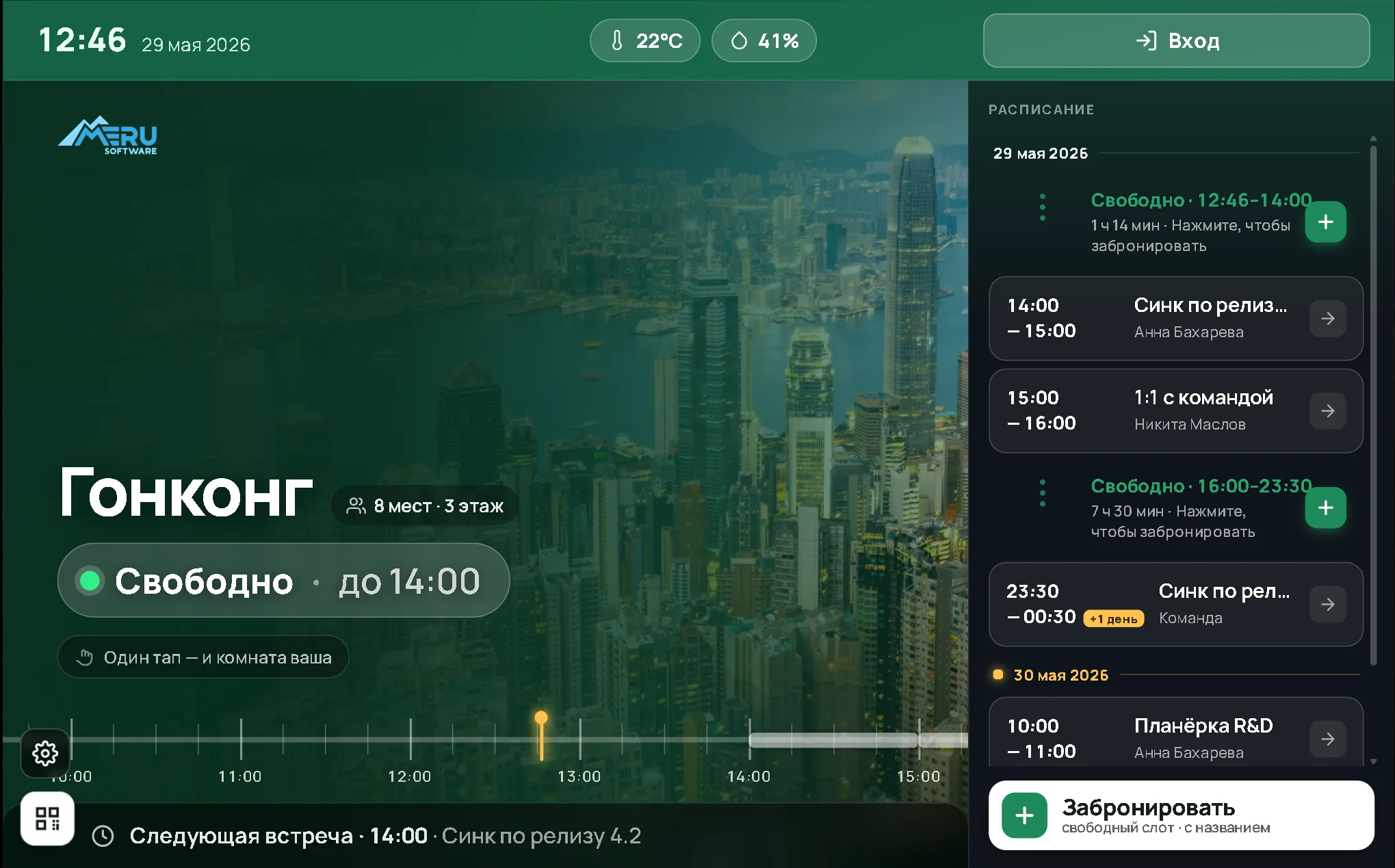
At the door you see everything you need to know about the room
Status, the day's schedule and what the room is equipped with. Meeting titles and attendee names can be hidden in the settings — other people's meetings then show up simply as “Busy”.
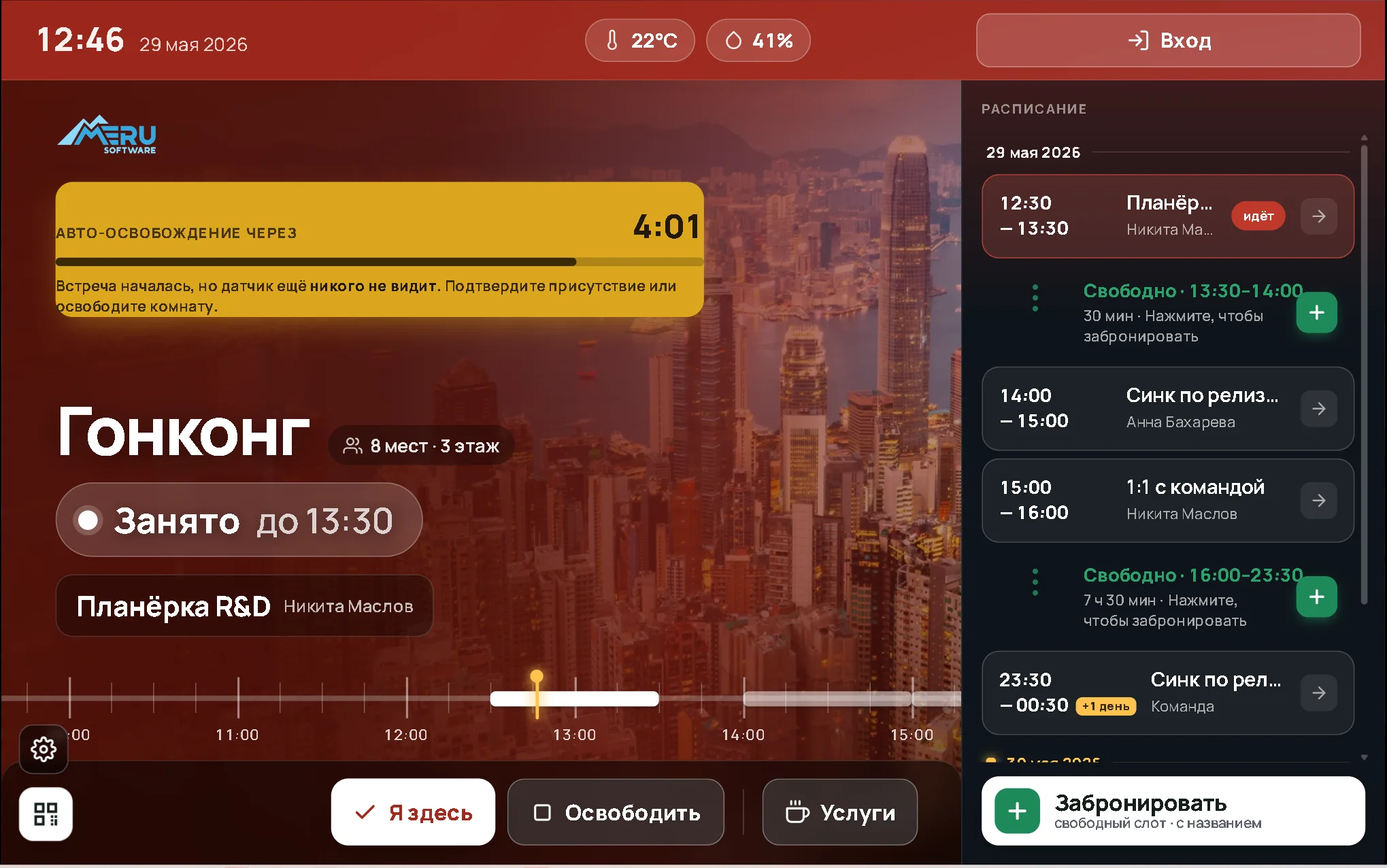
Different ways to identify the user
They enter a PIN, show a QR code or tap an access card. What happens next depends on the device you choose for the door.
{{ authDesc }}
Access works only for the period of the booking
Before the meeting starts and after it ends, the PIN, QR code and card will not open that door.
A usage report — for every tenant
How many hours and bookings each tenant had over the period. The data exports to an external system for billing.
The light comes on only when there is a booking
If you do not need to lock the room but still need control, use power management. With no booking the room stays dark, so nobody can grab it “just for a minute”.
Power management is a separate project, quoted individually for your electrical system.
Build a kit for your meeting rooms
Answer a few questions and we will pick the hardware and total it up. Merusoft software is already included in the price.
No cables to the door: one gateway for all displays
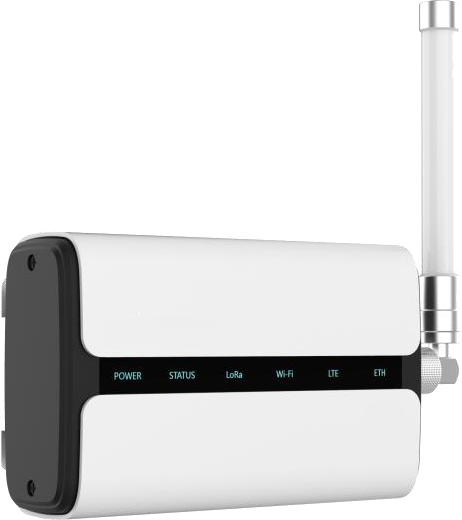
The display runs on a battery and receives the schedule over LoRa radio. A single wireless gateway serves many displays and covers about two floors.
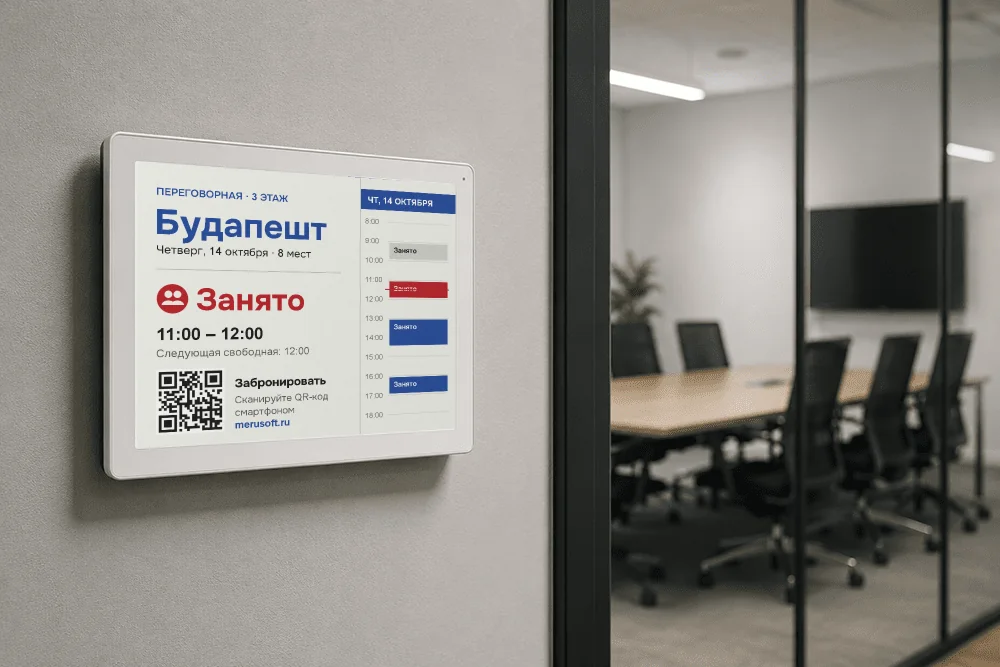
The basic kit — this is where you start
The minimum that makes a meeting room work: a server — one per site, a device at the door and a lock on the room. Everything arrives with the software installed.
Can be added later
No need to start here — this is added once the basic setup is already running. Below is what each device is good for.
Software — included
Perpetual licence, no subscription.Installation
Yourself, following the manual
0 ₽Everything arrives with the software pre-installed, each device finds the server on the network itself, and the AI assistant answers your questions.
Turnkey installation and launch
{{ turnkeyPrice }}A separate one-off service. A technician fits the lock to the door and connects the power.
After launch — no payments at all
Need external calendars, video conferencing or climate control?
For tasks like these, take the full Merusoft Rooms version.
Comparison
Rooms Box or the full Merusoft Rooms version
These are two different products, not a “cut-down” and a “full” one. Box is an appliance with a fixed price and no obligations on either side. The full version is a platform rolled out to fit a company's processes.
| Rooms Box | Merusoft Rooms — full version | |
|---|---|---|
| What it is | Hardware with the software inside | A platform rolled out for the site |
| Calendars | Merusoft calendar only, notifications through your own SMTP | MS Exchange (EWS and Graph), Microsoft 365, Google, Yandex 360 |
| Video conferencing | No | TrueConf, Zoom, Teams — start the meeting at the door |
| Light, climate, access control | Lighting as a separate project; no access control system integration | Yes, together with the building's engineering systems |
| How many meeting rooms | Up to 10 per installation | No limit; experience with 1000+ rooms |
| Whose hardware it runs on | Only on ours, supplied with the kit | On your hardware, inside your network |
| Customisation | No | Yes, to fit your processes and rules |
| Support | AI assistant; engineer hours bought separately | A support contract with response times |
| Updates | Paid, if you want them | Included in the support plan |
| Payment | A single payment, from RUB 90,000 per meeting room | Subscription or on-premise, quoted per project |
Support and updates
What is free and what costs money
You launch the system yourself following the manual — the hardware arrives configured and finds the server on the network by itself. If something does not work out, services are bought separately at a published price.
There are no mandatory payments after launch: the system keeps running on the version you bought for as long as you like.
Honest about the limits
When Rooms Box is not the right fit
Better to find out now than after the purchase. In these cases take the full version — it costs more, but it does what the box cannot.
This is not your case if
- Bookings have to live in Exchange, Microsoft 365 or Google Calendar
- You need custom development for your processes and rules
- You have more than ten meeting rooms, or the site will grow
- You need support with a guaranteed response time
- Your security team requires formal acceptance testing, project documentation drawn up to its own standards and deployment on your own server infrastructure
This is exactly your case if
- You need a working meeting room with a clear price and no monthly invoices
- You have few meeting rooms and no need to integrate with corporate systems
- The budget is capital: buying hardware once is simpler than paying a subscription
- An IT specialist can connect the server on the local network following the manual
Questions and answers
{{ f.a }}